Callback-URL
Callback-URL is the URL to which all registered users are redirected.
Create a Callback URL
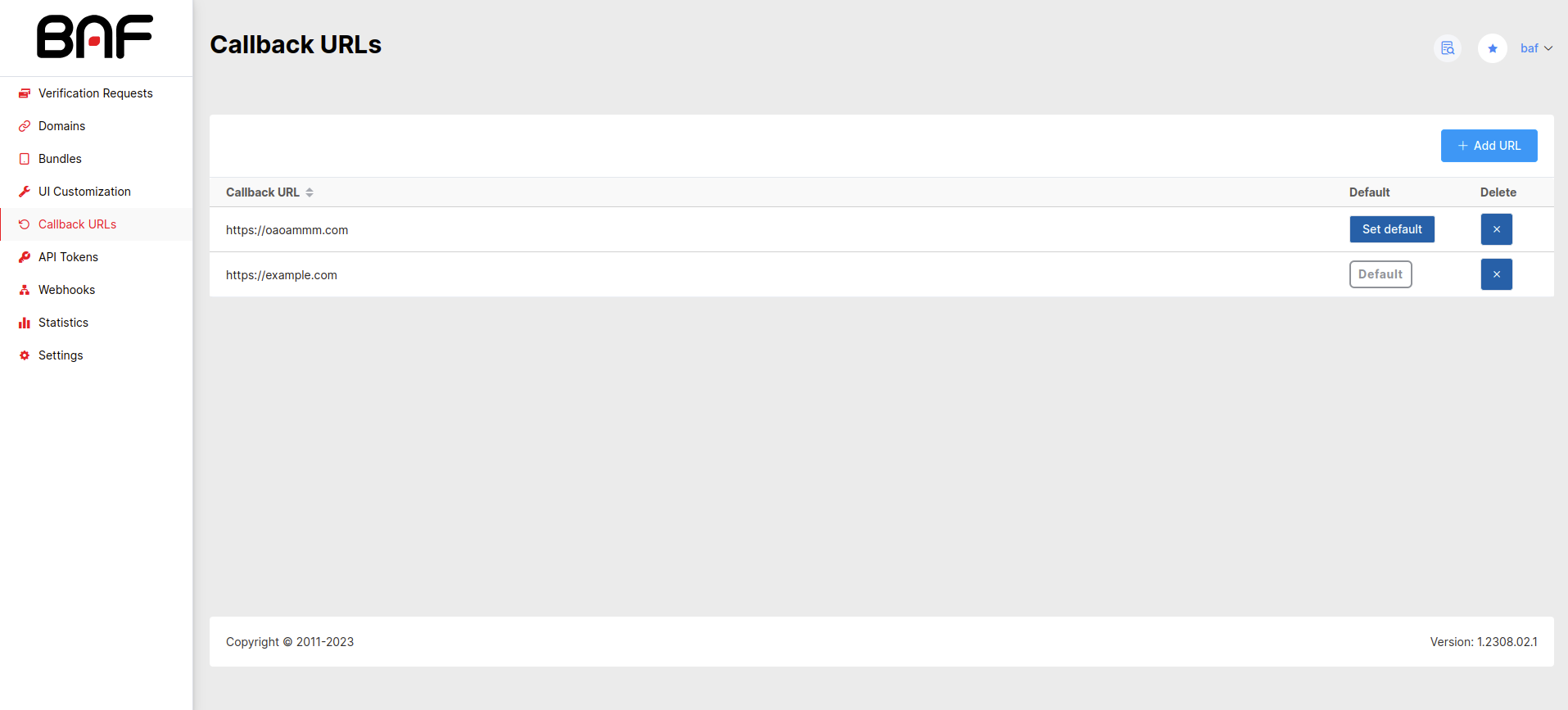
Click the Add URL button at the top right of the Callback-URL page.
Insert the URL in the opened window. Once added, the Callback-URL will appear in the list.
Delete a Callback URL
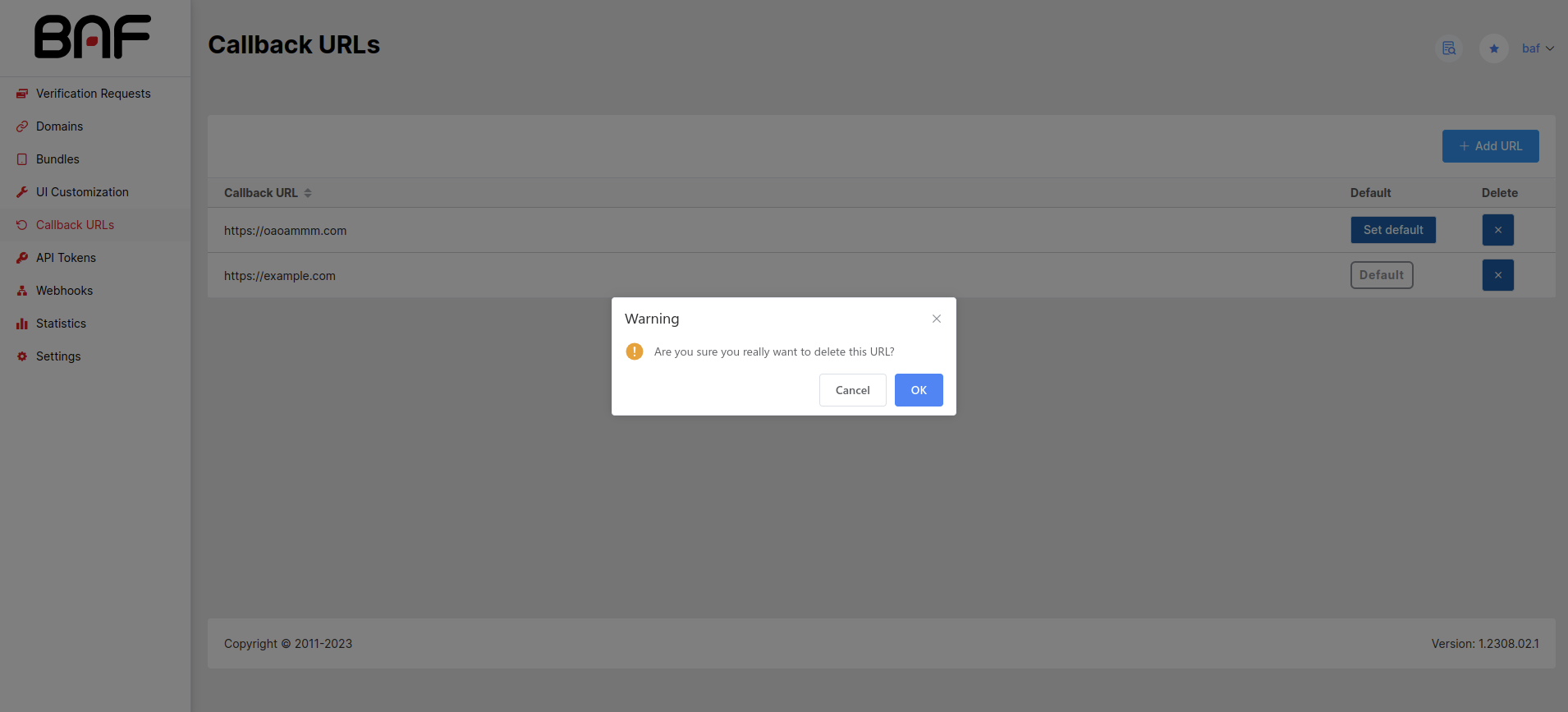
To delete a Callback-URL, click on the cross icon in the line of the required Callback-URL. Callback URL will be deleted after confirmation.
Set the Default Callback URL
When creating multiple Callback URLs, you need to select the triggered one. To do this, just click the Set Default button on the line of the required Callback-URL.