Cameras
The list of cameras connected to OMNI Agent is displayed on the Cameras page. This list is updated automatically when connecting/disconnecting cameras.
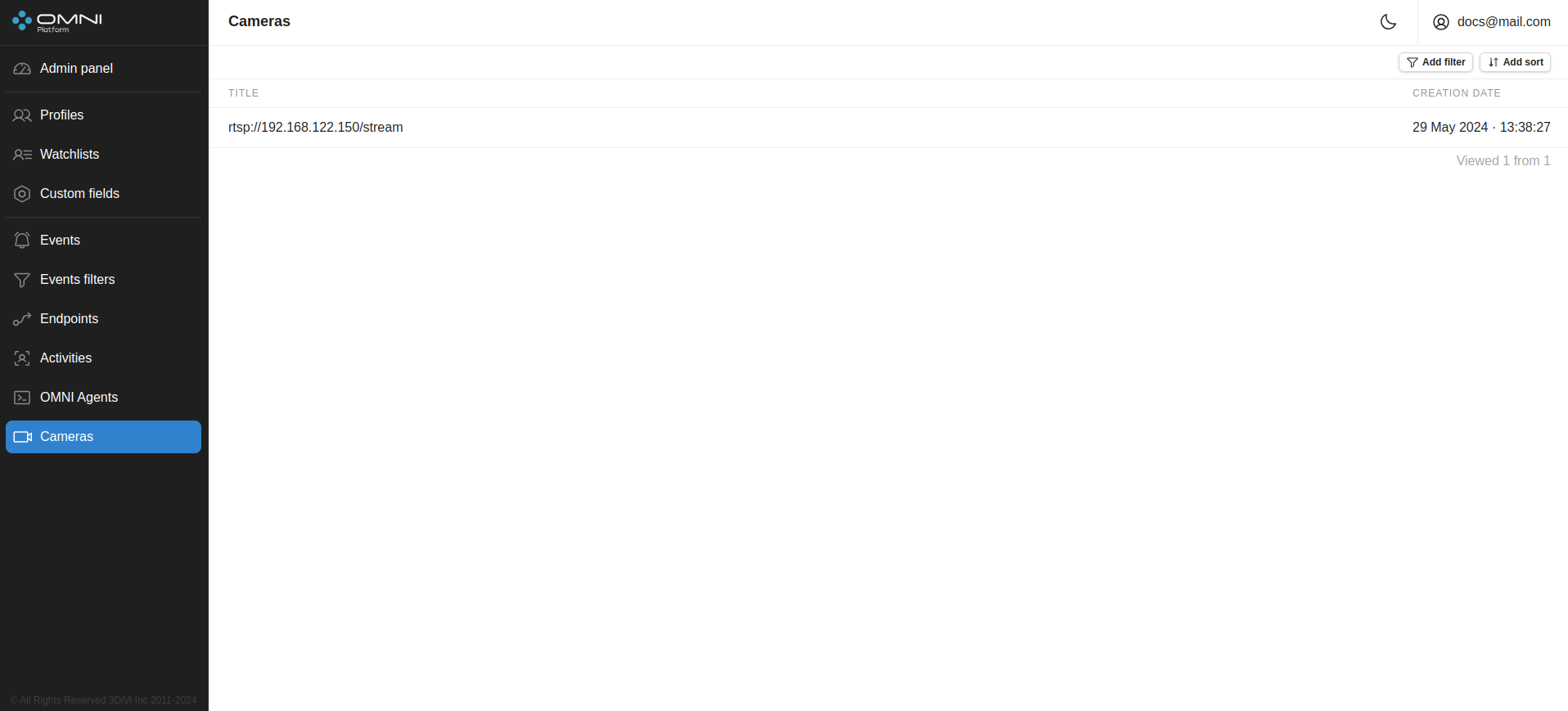
You can connect a camera through the OMNI Agent web interface or by editing the OMNI Agent configuration file.
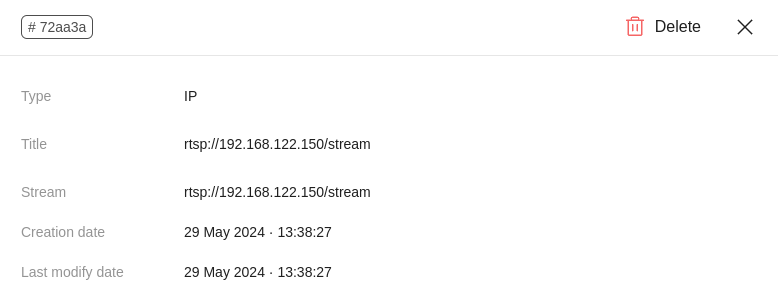
Each added camera has a card with basic information created in the OMNI Platform web interface. To open the card, click on the line with the required camera on the Cameras page.
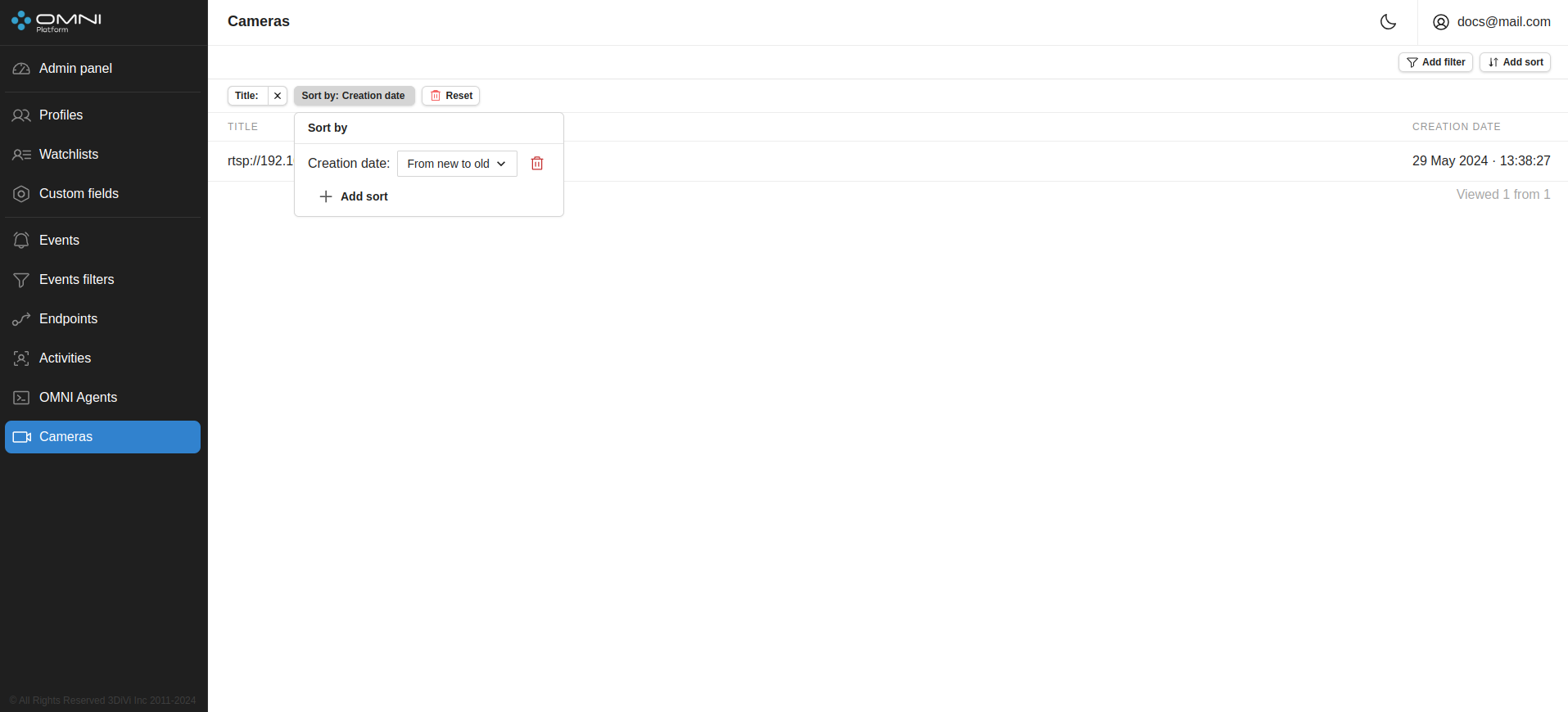
Filters and sorts
OMNI Platform contains a list of filters and sorts for camera searching.Filters
- By camera ID
- By title
- By RTSP
Sorts
- By creation date
- By modification date
- By title
To filter/sort cameras, click on Add filter / Add sort and select one of the parameters from the dropdown list. Once selected, the chosen filter and sort will appear in the top left part of the page.