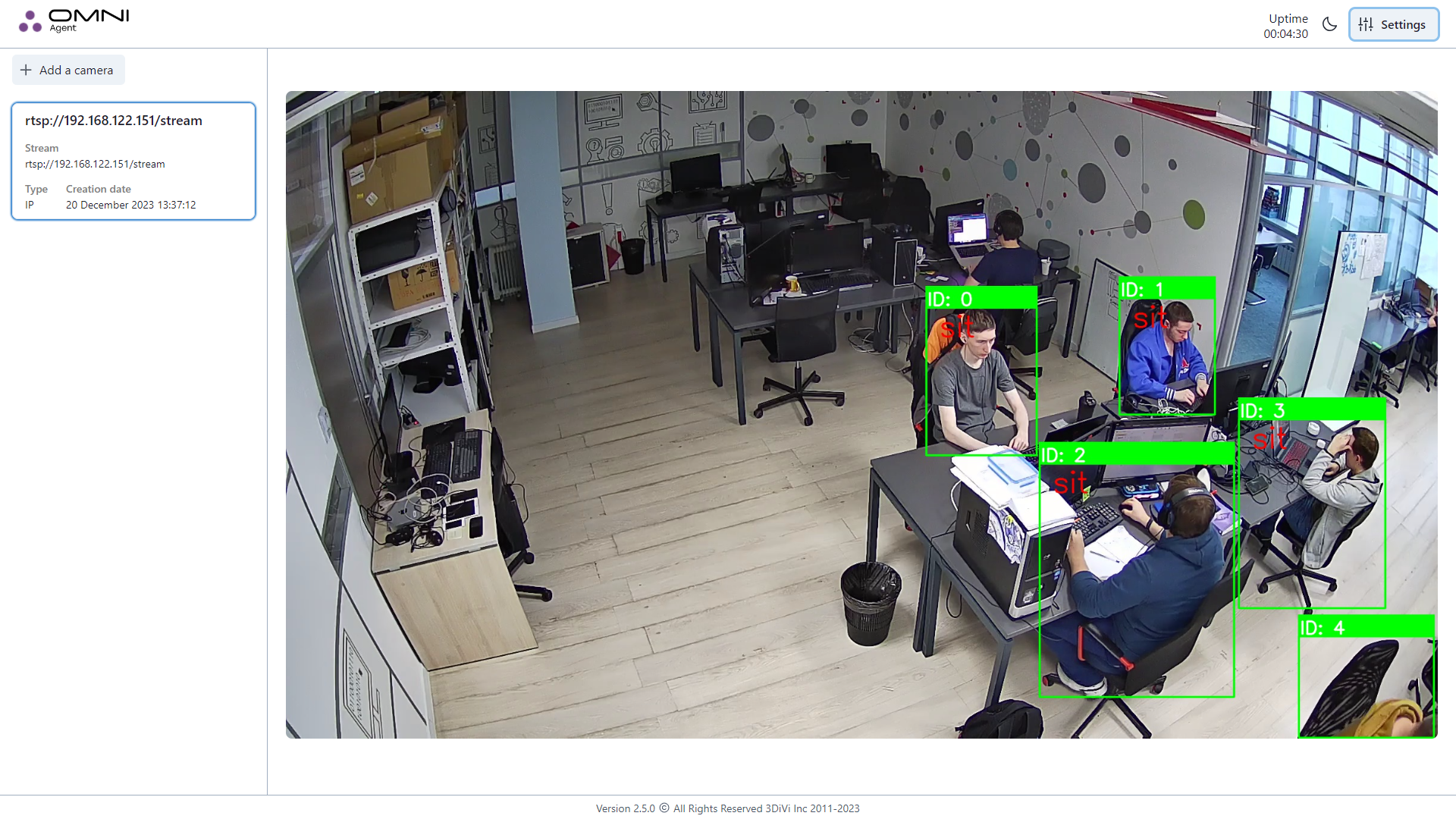
Human action recognition (HAR)
HAR (Human Action Recognition) includes recognition of human falls, fights, lying and sitting in video streams and video files.
System requirements
The following configuration is required to enable HAR on a single Full HD @ 25fps video stream:
- GPU: performance ~FP32 10 TFLOPS; 3GB VRAM; CUDA11 Runtime;
- RAM: +4Gb;
- CPU: 2 AVX cores @3GHz.
When an action type is detected, OMNI Agent generates a process and an event which can be sent to OMNI Platform or to a third-party service.
How to enable HAR
Open the run_params.json configuration file and set "true" in the pipelines.action_recognition.enabled field.
info
When enabling HAR, we recommend using:
- CUDA: set "true" in the
use_cuda_onnxfield of the run_params.json file or enable "CUDA usage" option in Settings of OMNI Agent web-interface.
caution
For stable work of OMNI Agent, disable the generation of face biometric templates. To do this, open the run_params.json configuration file and set "false" in the pipelines.face.enable_templates_generation field.