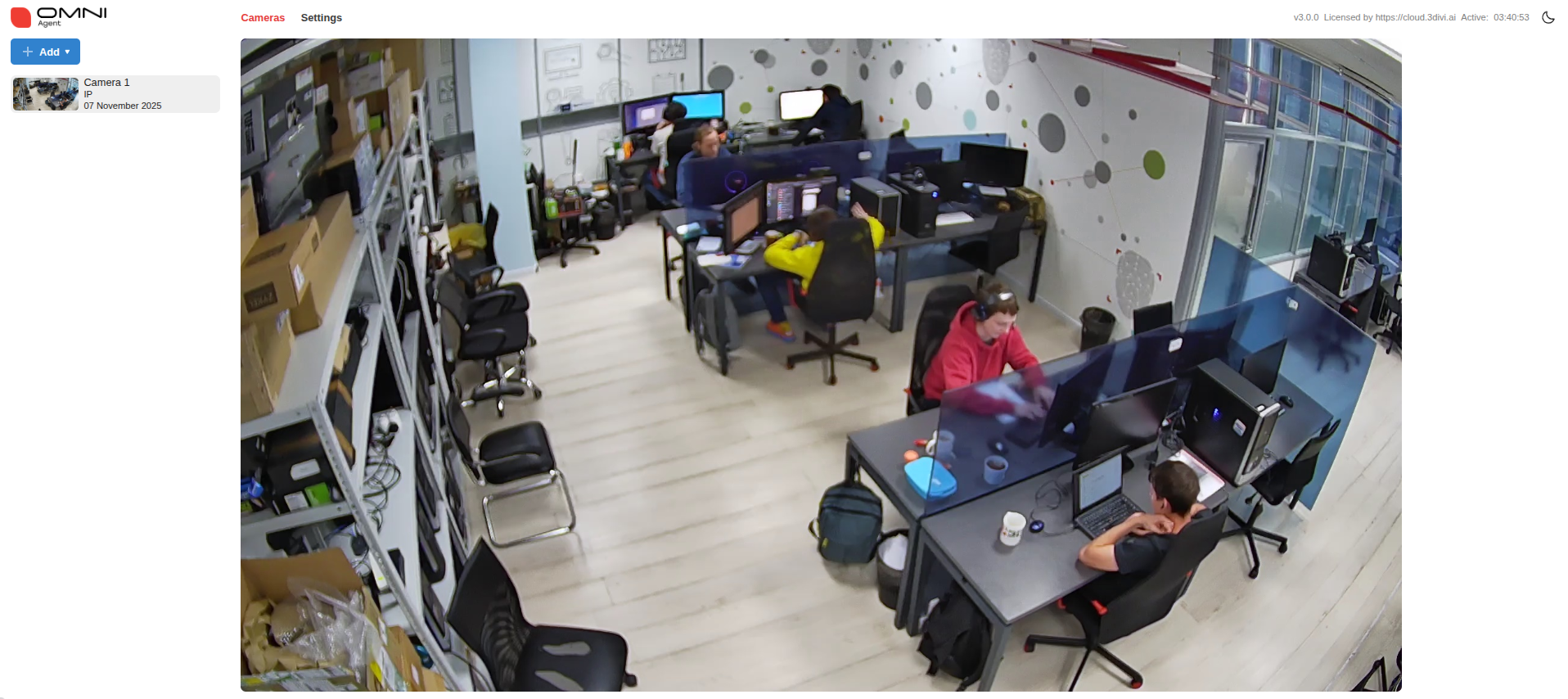
Camera setup and video file upload
After activation, click +Add in the upper-left corner of the page:
IP Camera: Select RTSP, then enter the camera name and URL in the opened window.
USB Camera: Connect the camera to your device, select USB, enter the camera name, and choose it from the list.
Video File: Select a file and specify the full path to the file.
To prevent looping video playback in OMNI Agent (so events are not generated continuously), check Stop OMNI Agent at the end of the video.
You can also specify the actual start date of the recording. This is important so that video events are recorded in the database with the exact date they occurred.