Web Interface Settings
Language Selection
By default, web interface supports English and Russian languages. To change the language, just set the appropriate one in your web browser.
Theme Selection
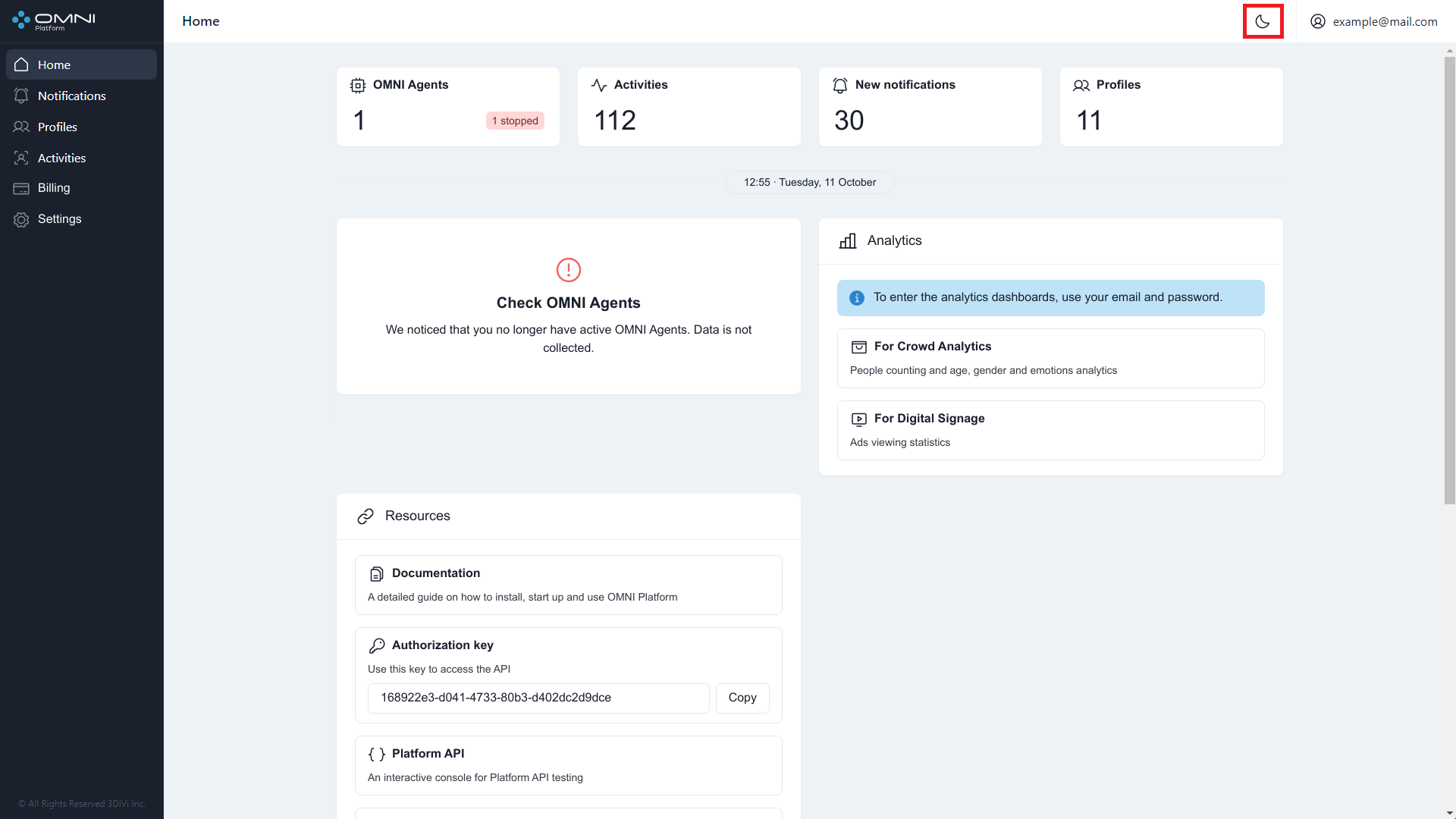
Web interface has a light theme enabled by default. You can change the theme by clicking the Theme icon at the top right side of web interface.